Practice. Understand. Try again.
From your first answer to reviewing a simulation, explore the CasPro tools for working on written and spoken reasoning in English and French.
Written practice at your pace.
Work on your decisions and explanations before focusing on speed.
Three practice modes
Go untimed to think things through, use a strict timer to work within the limit, or choose a flexible timer to keep writing after the target time.
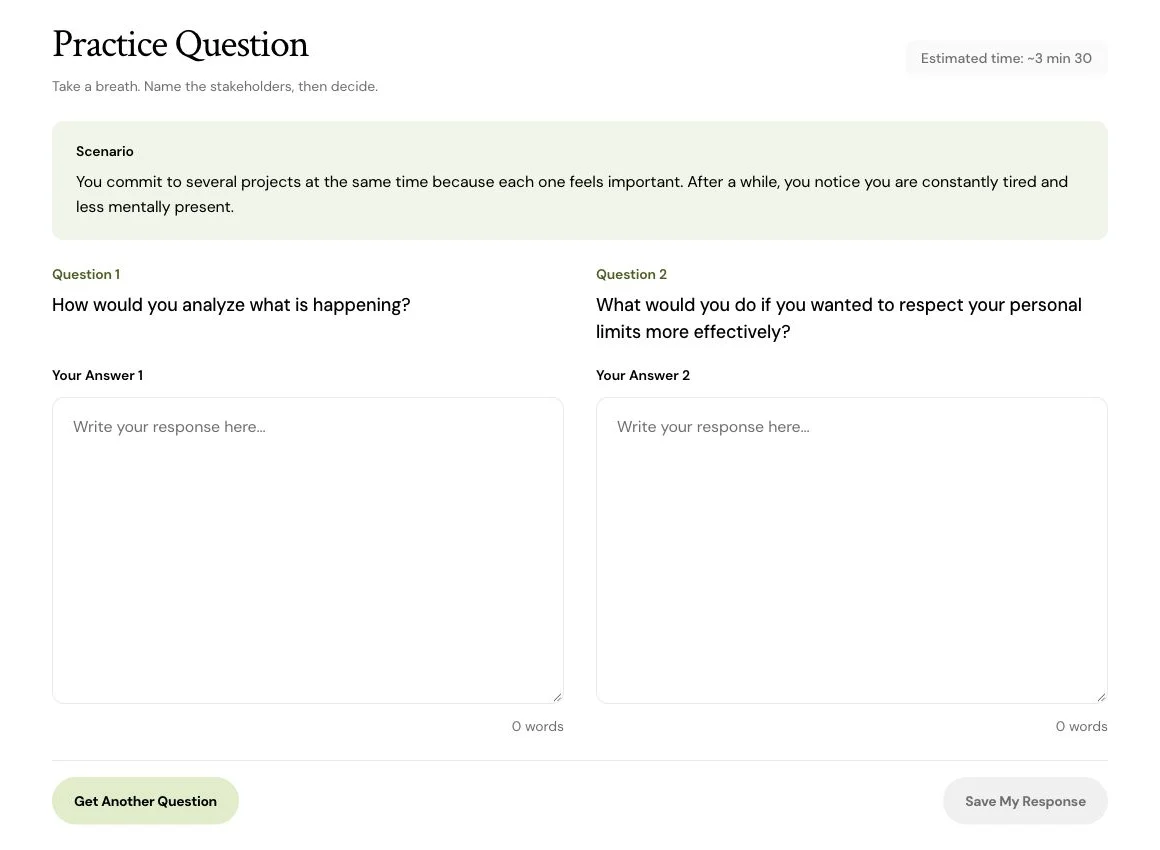
One scenario, two questions
Keep the situation in view and write a response to each question. Word counts help you track the length of your answers.
Time to reflect
Timed modes include a reflection phase before the questions. Move to the answers earlier when you are ready.
Explain your reasoning on camera.
Practice a spoken response, then review what you actually said.
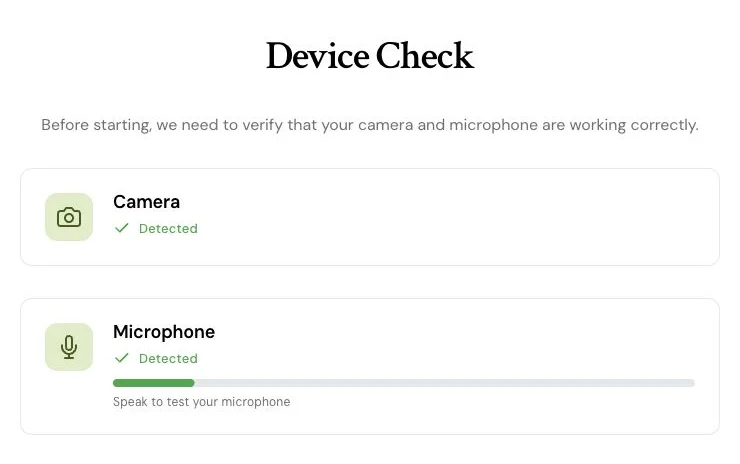
Device checks
Check your camera and microphone before starting. Use the preview to prepare your framing and recording environment.
Record and replay
Answer with the timer, then replay your video on the review page to examine your response.
Transcript and another attempt
Read the transcript when it is available. Record the same scenario again to try another way of expressing your reasoning.
Understand what works in your answer.
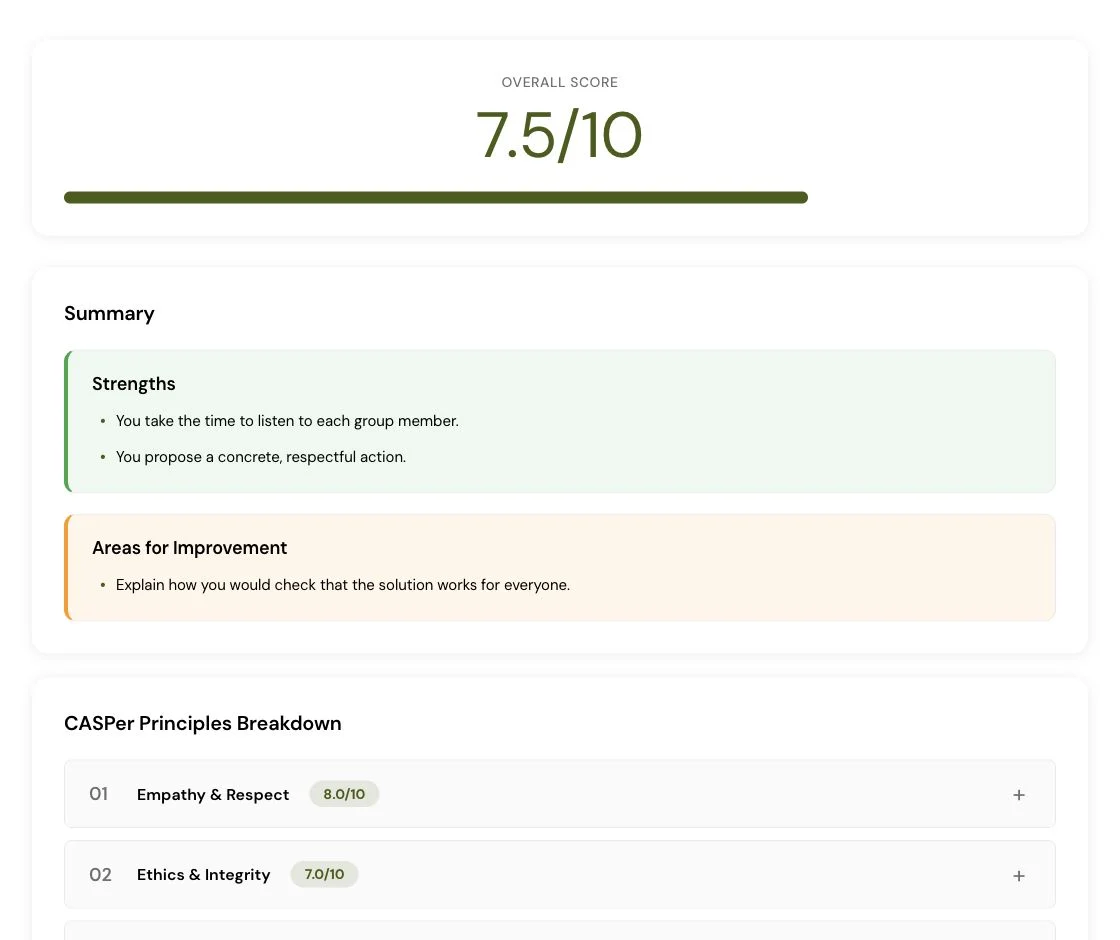
AI feedback examines your reasoning to give you a concrete starting point for your next attempt.
A score and five CasPro dimensions
Review the overall score out of 10 and the individual feedback dimensions. Practice and simulation use the same evaluation layout.
Feedback connected to your words
Strengths, areas to improve and excerpts from your response make the feedback more specific than a score alone.
Direction for your next attempt
Review the scenario’s challenge, missing considerations, response structure and suggested next-attempt tips.
Rewrite with a specific goal.
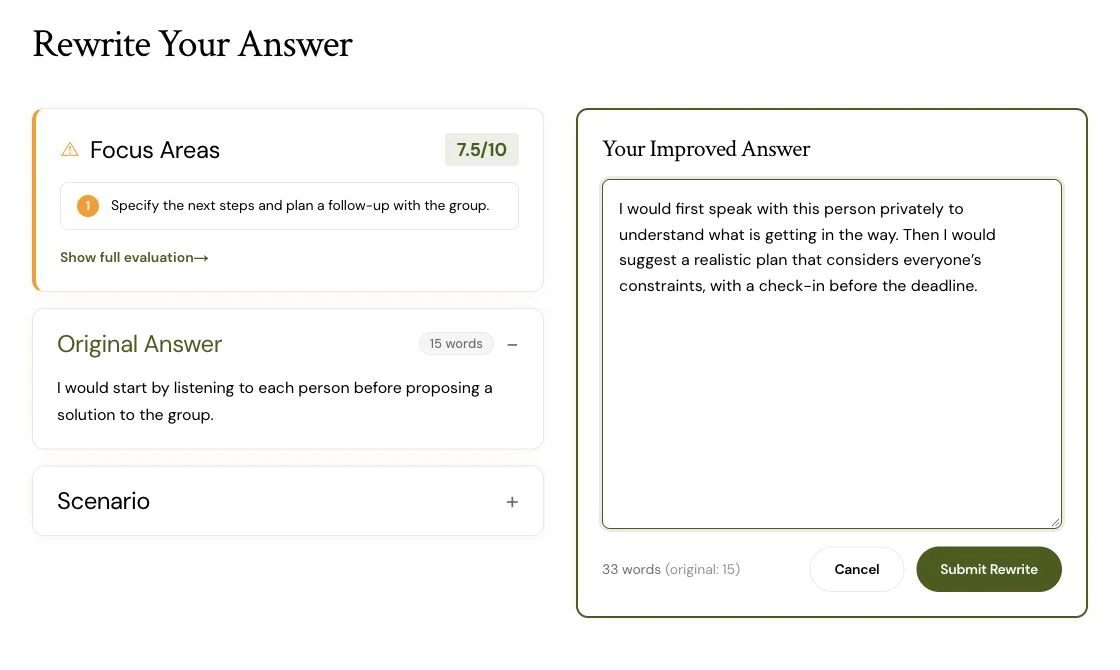
Your first answer is a starting point. Use the feedback to work on your written reasoning.
Revisit the same scenario
Return to the situation after reading your evaluation and write a revised version of your answer.
Compare both versions
View the original answer and rewrite side by side, with their scores and feedback, to see what changed.
Choose one improvement
Try making an action more concrete, explaining a decision more clearly or considering someone you overlooked. Use the comparison to review the result.
Work through a full simulation.
Practice a longer session, then revisit your responses in a review organized by scenario.
Written and video sections
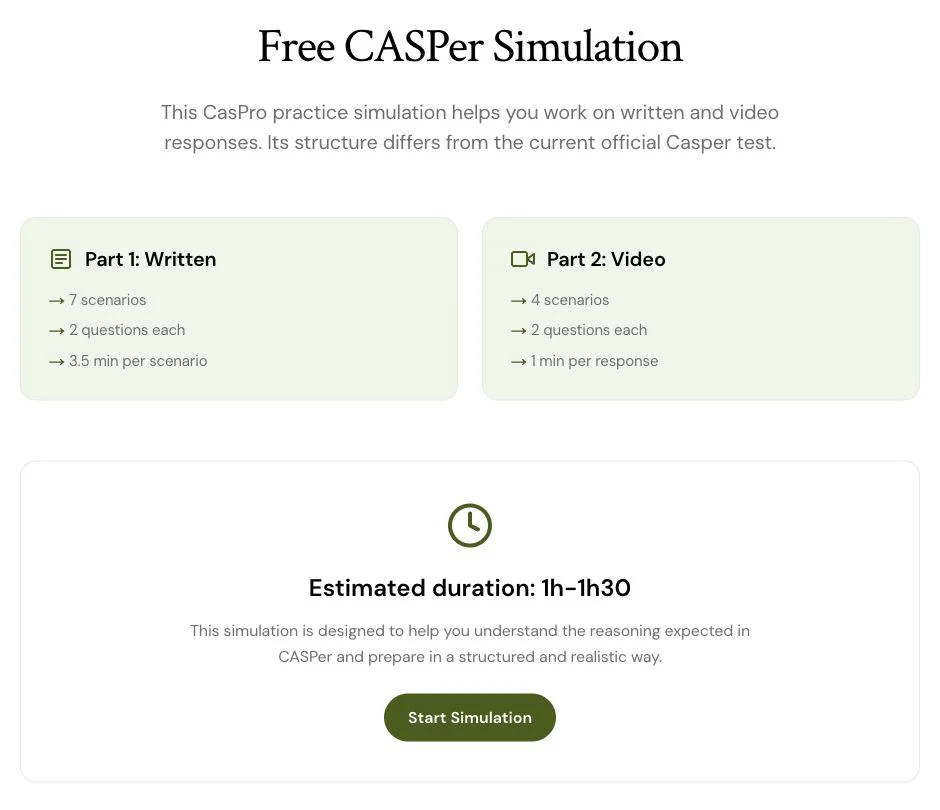
A CasPro simulation includes 7 written scenarios and 4 video scenarios, with 2 questions per scenario.
Timed stages
Follow the preparation, reflection and response stages. Instructions and timers guide you through the session.
Review one question at a time
Select a question to revisit your answer or video, its transcript and available evaluation. A guided self-assessment also helps you examine your decisions.
Revisit attempts and track your practice.
Keep an overview of your sessions and return to an answer when you want to work on it.
Practice and simulation history
Open previous sessions to revisit your responses, videos and available evaluations.
Weekly dashboard
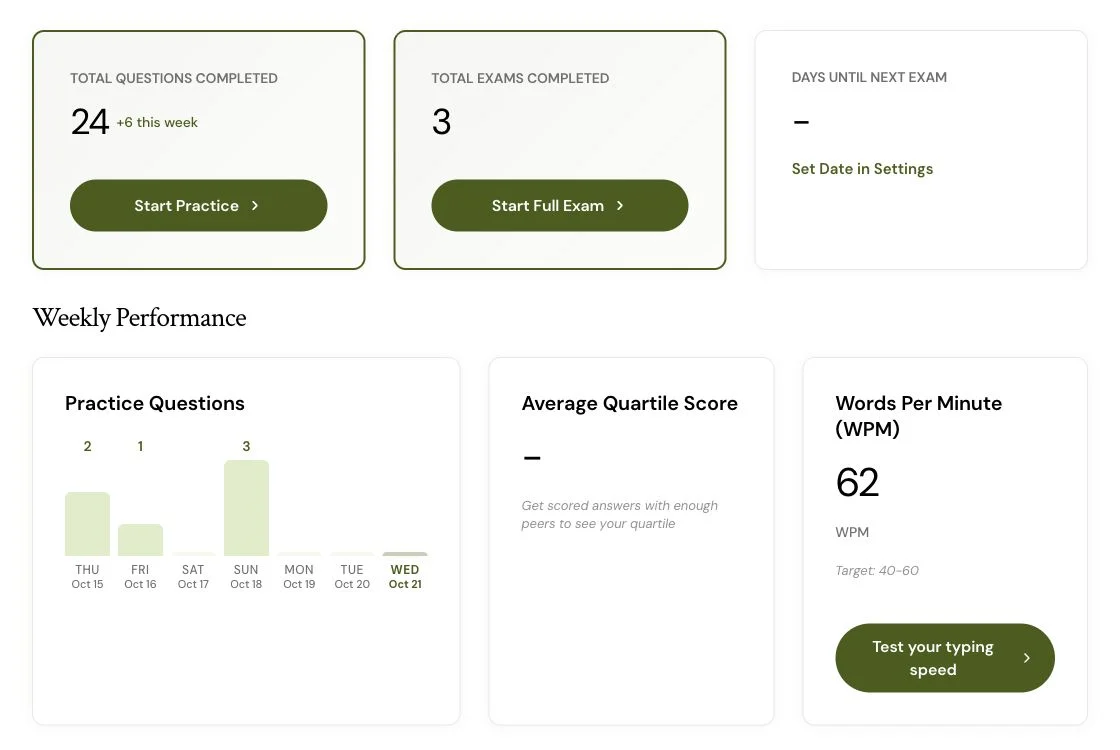
See completed questions and simulations, your weekly activity and the days remaining until the exam date you set.
Practice benchmarks
When enough data is available, view practice quartile benchmarks. These are separate from official results and do not predict your Casper quartile.
Learn the ideas behind your responses.
Move between exercises and learning resources to choose what you want to work on next.
Courses in French and English
Explore answer structure, ethical dilemmas, empathy, communication, conflict and decisions made with incomplete information.
Free handbook
Read the introduction and download the French CasPro handbook to continue studying away from the app.
Public resource library
Access original scenarios, worked responses, the preparation guide and video-response exercises without an account.

Work on your typing, too.
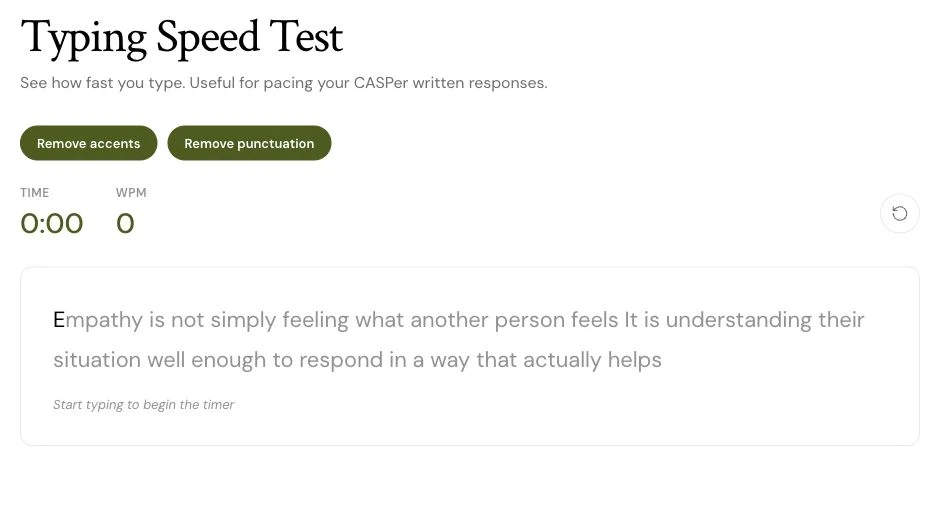
Use a dedicated exercise to practice typing separately from a scenario.
Speed and accuracy
Type a passage and review your words per minute, accuracy and completion time.
Typing options
Choose whether to keep or remove accents and punctuation to adapt the exercise.
Discuss the scenarios.
After answering, use the discussion to explore other ways of looking at the situation.
Comments and replies
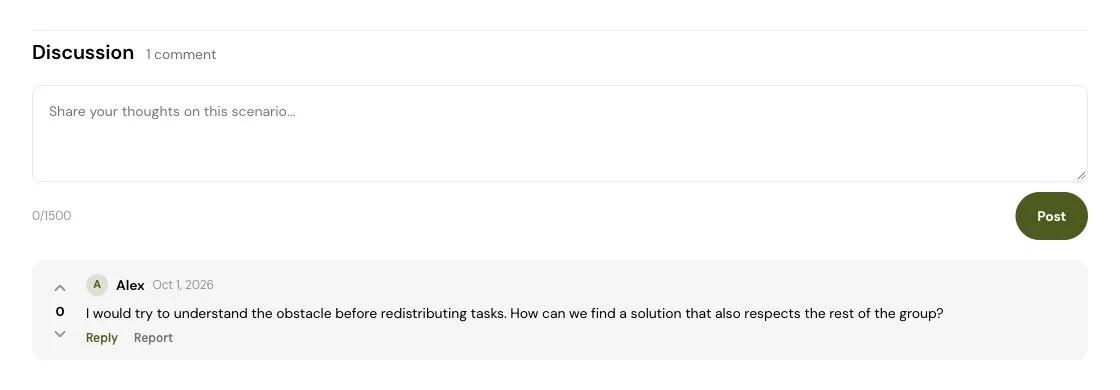
Read the scenario’s discussion, share a reflection and reply to other users’ comments.
Scenario context
The statistics panel shows available aggregate information about the scenario, such as attempts and comments.
Reply notifications
Find notifications of replies to your comments in your account menu to return to a discussion.
Choose what to work on next.
Start with the free resources or compare plans to prepare for your next session.